यह एक वॉकथ्रू है कि मैंने अपने Magnepans को कैसे सेट किया ताकि vinyl और streaming playback दोनों को Apple HomeKit और iOS shortcuts के माध्यम से नियंत्रित किया जा सके।
मुख्य घटक
स्पीकर्स और एम्प्लिफिकेशन
प्रीएम्प्लिफिकेशन और स्रोत
स्रोत
कनेक्शन और नियंत्रण
Sonos Port के साथ सिस्टम नियंत्रण
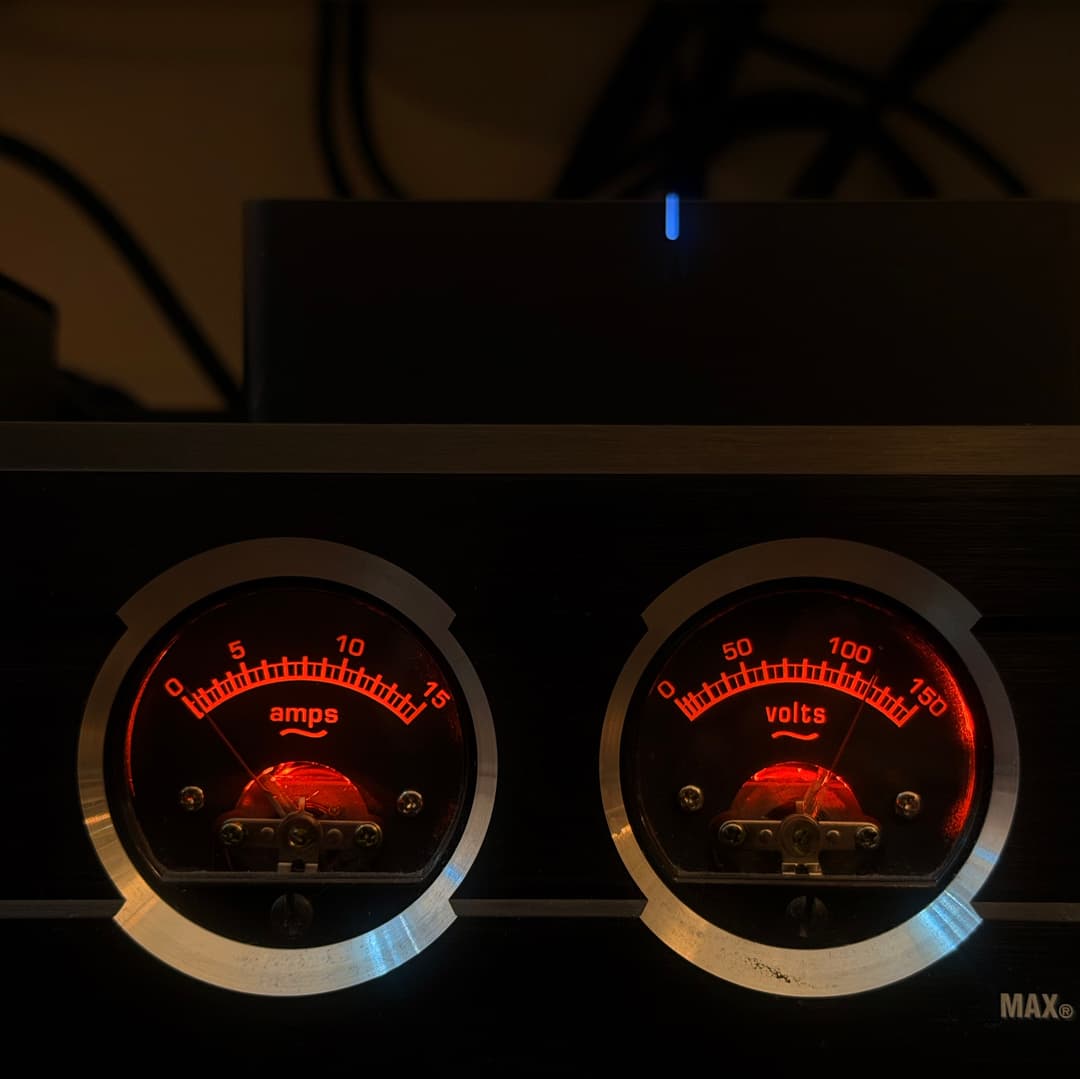
सेटअप में सब कुछ Sonos Port के 12V trigger output के इर्द-गिर्द घूमता है जो 3.5mm mono trigger cable के माध्यम से Panamax power conditioner से जुड़ा है। जब Sonos Port सक्रिय रूप से संगीत बजा रहा हो, तो Panamax जाग जाएगा और पूरे audio stack को चालू कर देगा (preamps, amplifier, subwoofer, आदि)
हम Sonos Port पर एक ambient soundtrack बजाकर (या रोककर) सिस्टम को चालू और बंद करने के लिए HomeKit automations का उपयोग कर सकते हैं।
कॉन्फ़िगर करने के लिए iOS Shortcuts
हम जो iOS shortcuts कॉन्फ़िगर करेंगे वे हैं:
HomeKit Scene सेट अप करना
एक नया scene बनाएं जो Sonos Port Speaker (यहां Magnepan नाम दिया गया है) पर audio बजाता है।
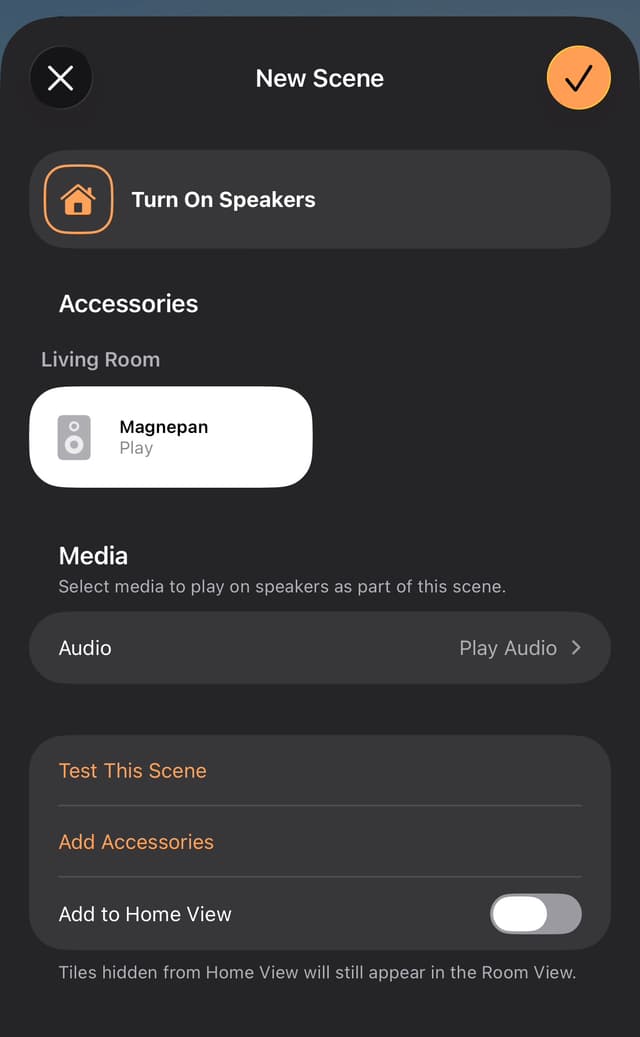
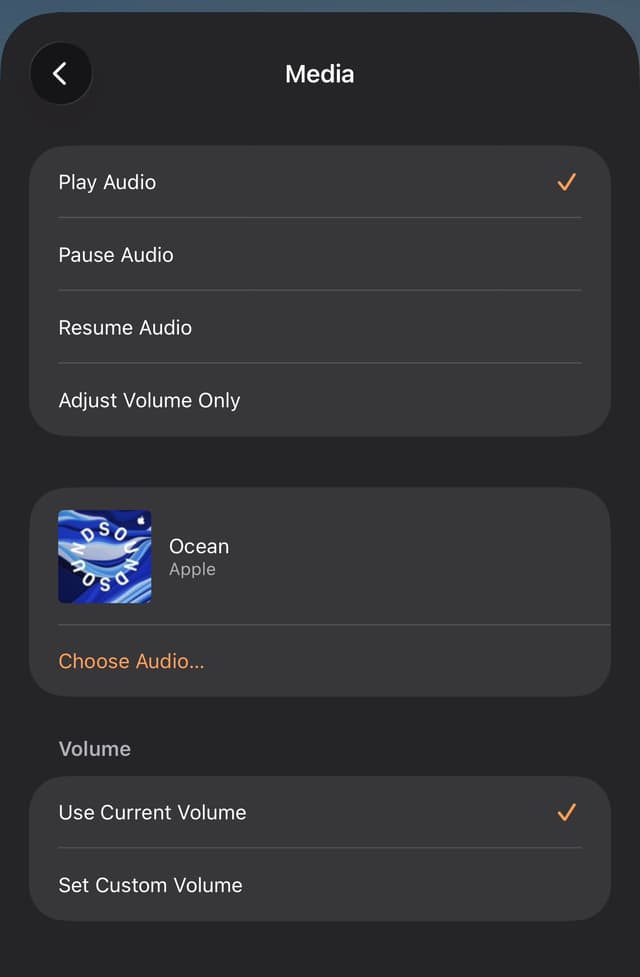
Play Audio चुनें और फिर एक sound चुनें। मैं Apple Ambient Sounds जैसे Ocean का उपयोग करता हूं क्योंकि यह अनिश्चित काल तक loop करेगा।
Switchbot के साथ सिस्टम नियंत्रण
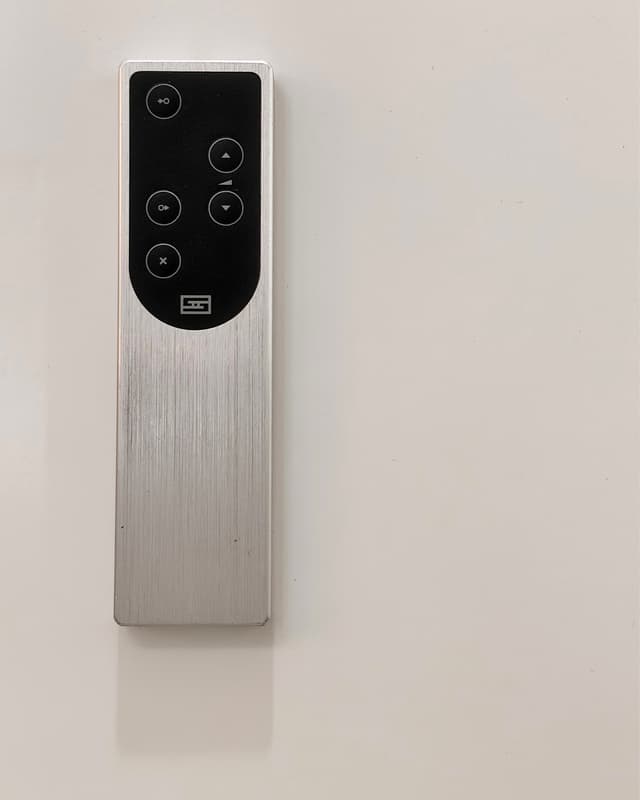
Switchbot Hub के साथ, आप इसे अपने मौजूदा remote से IR signals सिखा सकते हैं ताकि मांग पर replay किया जा सके। मैंने Schiit Saga के remote से signals कॉपी किए ताकि hub source selection और volume को नियंत्रित कर सके।
Switchbot सेट अप करना
Switchbot Hub Remote को कॉन्फ़िगर करें और इसे अपने preamp के remote control से IR signals सिखाएं।

Switchbot app में Quick Scenes कॉन्फ़िगर करें। Volume Up और Down दोनों के लिए एक अलग scene रखें जो Switchbot remote के माध्यम से एक action करता है।
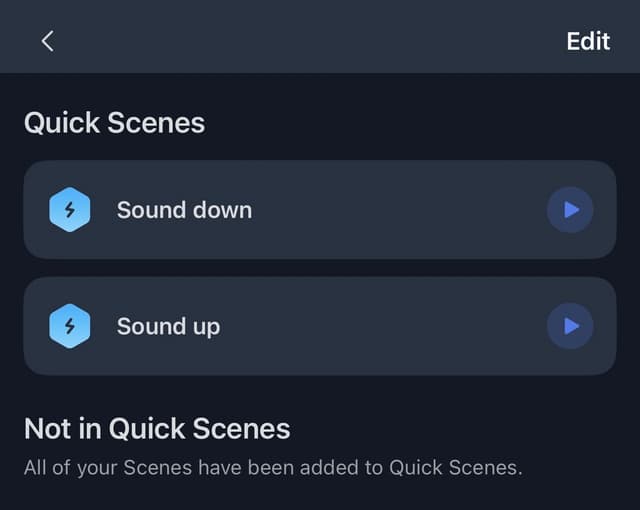
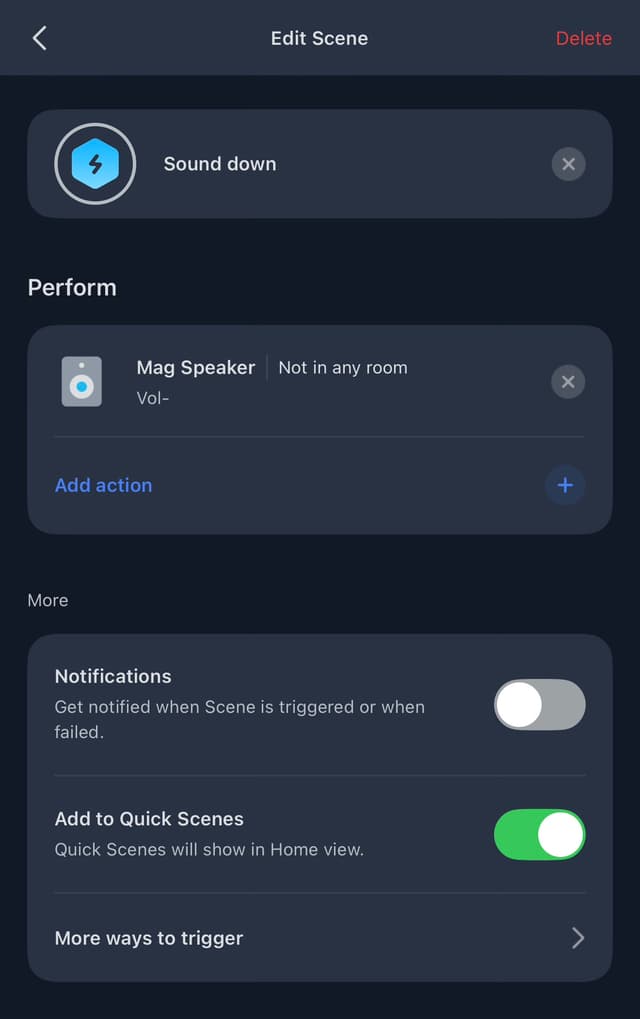
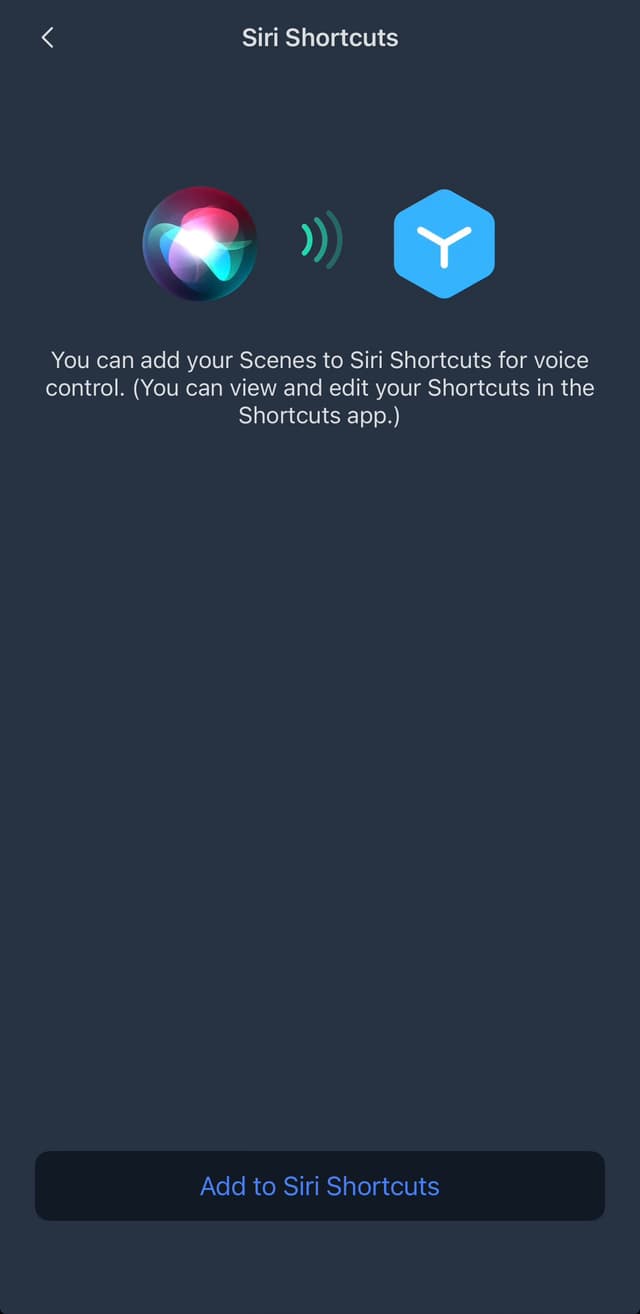
एक बार जब आप quick scene सेट कर लें, तो quick scene को Siri Shortcuts में जोड़ें (More ways to trigger पर क्लिक करें और Siri Shortcuts चुनें)।

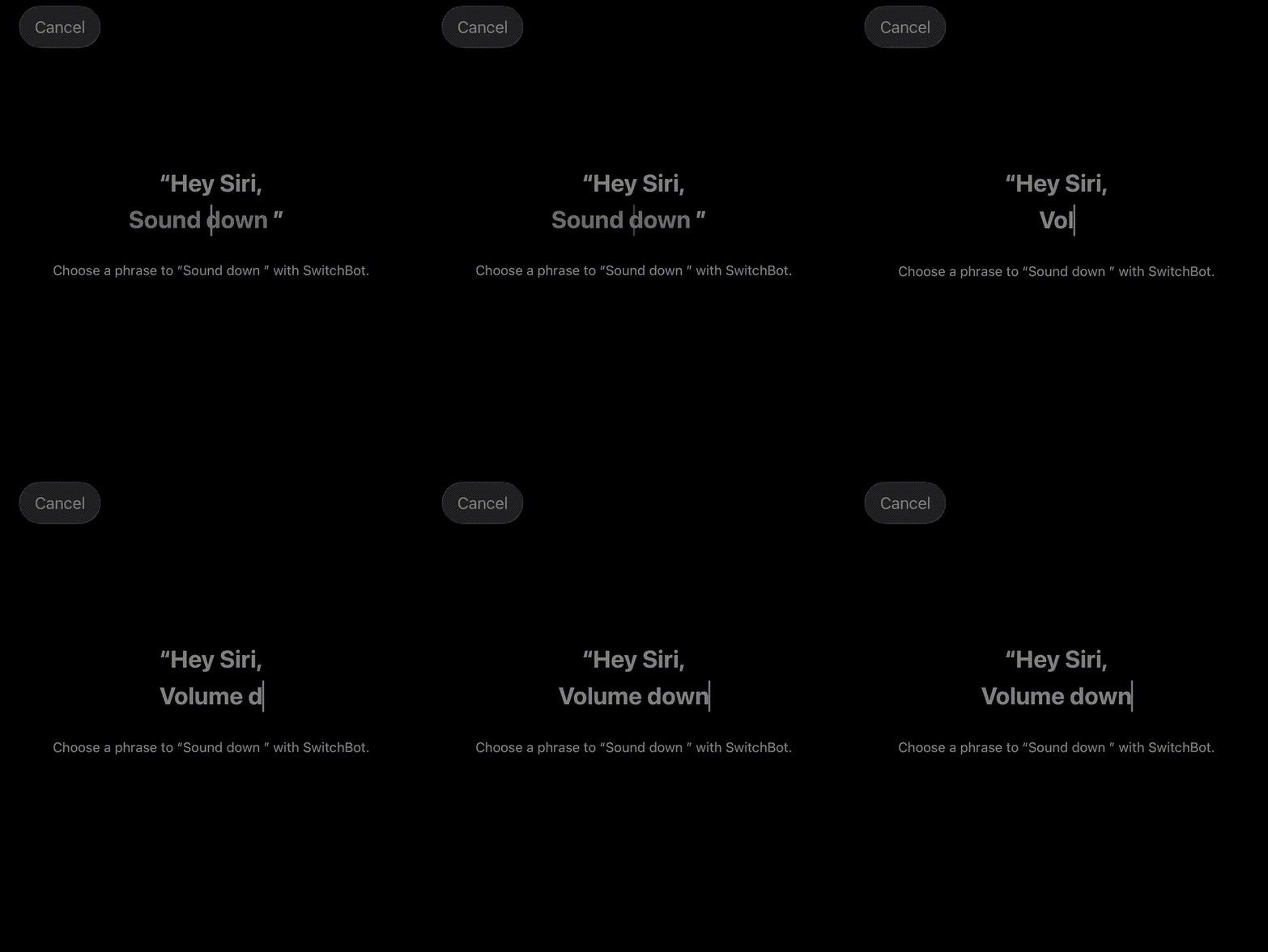
अपने shortcut का नाम तदनुसार रखें।
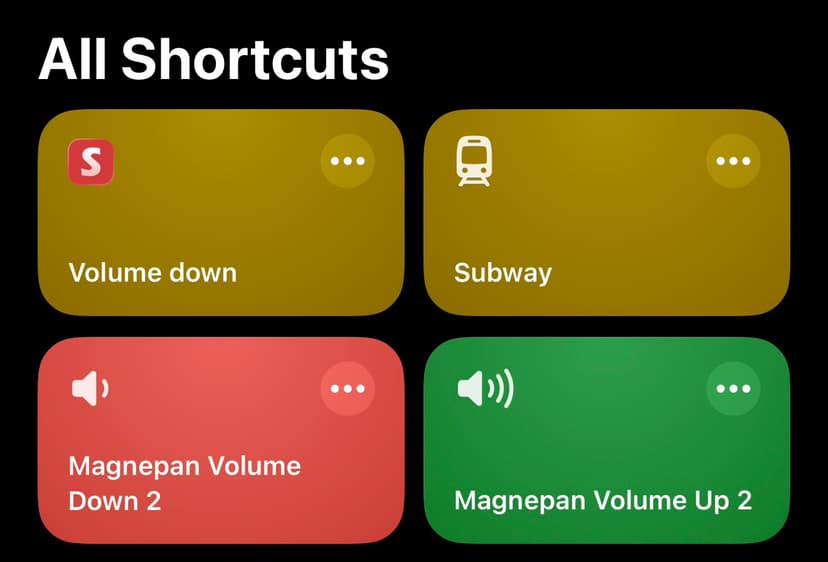
एक बार जब आप इसे Switchbot app के माध्यम से submit कर दें, तो iOS Shortcuts app खोलें और आपको All Shortcuts के तहत एक shortcut बनाया हुआ दिखाई देगा (इस मामले में 'Volume down')।
Analog अवलोकन
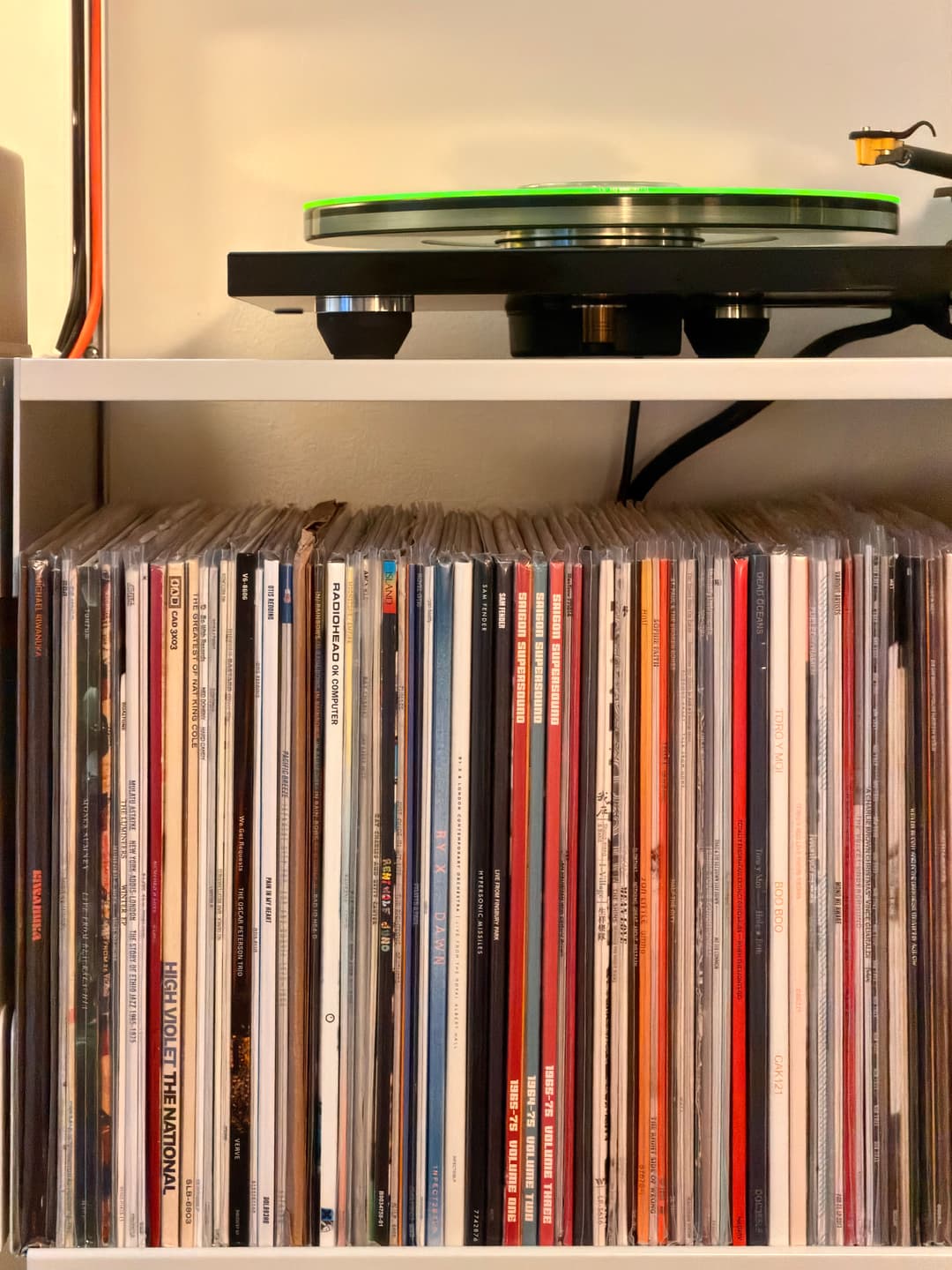
Vinyl playback स्वाभाविक रूप से सिस्टम को नहीं जगाता है। Vinyl playback के दौरान भी, Sonos Port को जानबूझकर एक ambient looping track के साथ जागृत रखा जाता है:
Analog Path
Digital अवलोकन
Digital playback सीधा है: AirPlay या Sonos app के माध्यम से Sonos Port पर संगीत शुरू करें, और 12V trigger स्वचालित रूप से सिस्टम को power on कर देता है। जब तक Saga+ DAC input पर सेट है, संगीत speakers पर stream होता है।
Digital Streaming Path
इस सेटअप के साथ, मैं iOS Shortcuts के साथ सिस्टम को चालू और नियंत्रित कर सकता हूं। चूंकि Sonos Port केवल audio playback के दौरान Power Conditioner को 12V DC trigger के माध्यम से signal भेजता है, audio playback बंद होने के बाद सिस्टम थोड़ी देर के बाद स्वचालित रूप से बंद हो जाएगा। बस इतना ही!
P.S. Discogs पर मेरा record collection देखें!