This is a walkthrough of how I set up my Magnepans so that both vinyl and streaming playback are controlled through Apple HomeKit and iOS shortcuts.
Core Components
Speakers & Amplification
Preamplification & Sources
Sources
Connections & Controls
System Control with Sonos Port
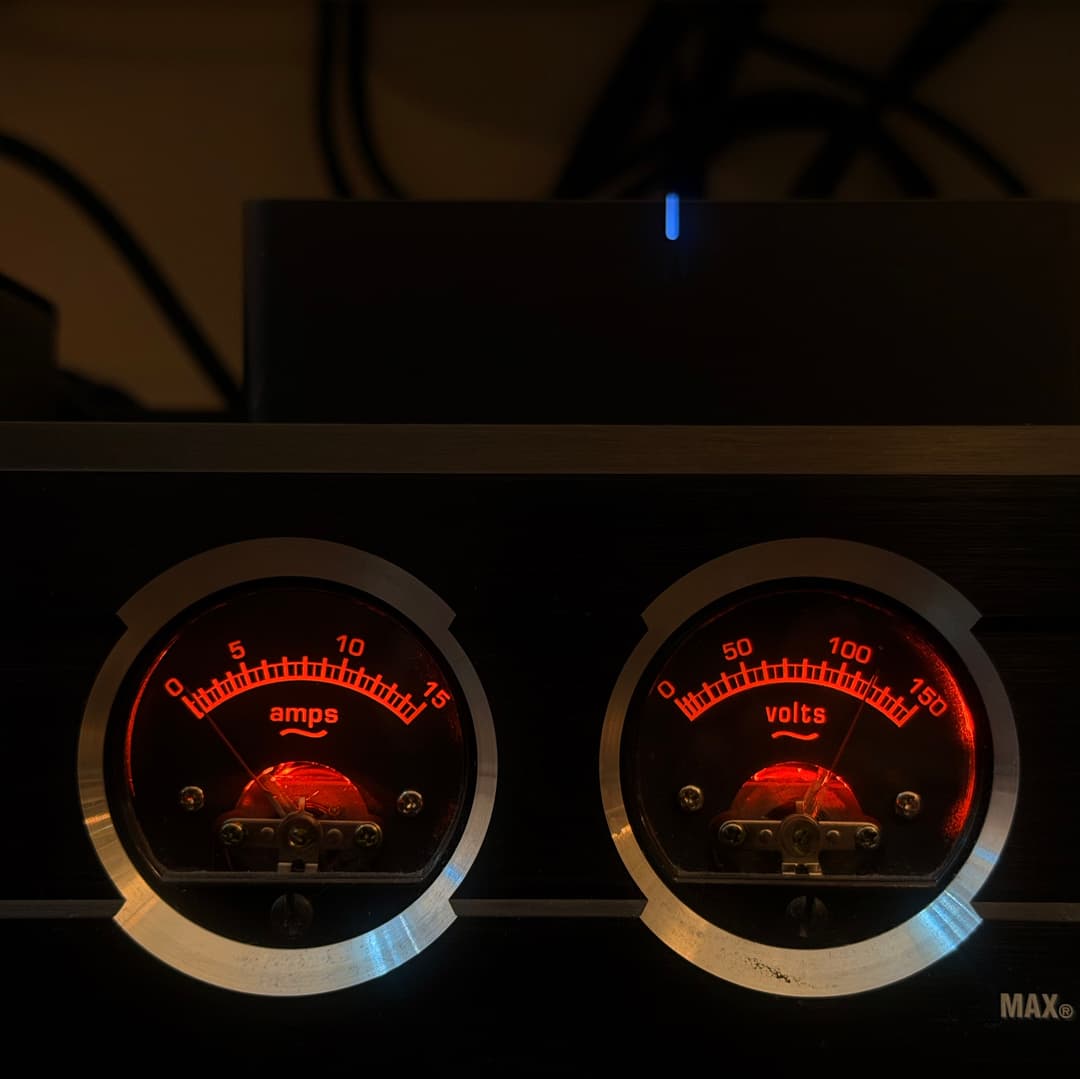
Everything in the setup revolves around the Sonos Port's 12V trigger output which is connected to the Panamax power conditioner via a 3.5mm mono trigger cable. When the Sonos Port is actively playing music, the Panamax will wake up and turn on the entire audio stack (preamps, amplifier, subwoofer, etc.)
We can use HomeKit automations to turn the system on and off by playing (or stopping) an ambient soundtrack on the Sonos Port.
iOS Shortcuts to Configure
The iOS shortcuts we'll configure are:
Setting up HomeKit Scene
Create a new scene that plays audio to the Sonos Port Speaker (named Magnepan here).
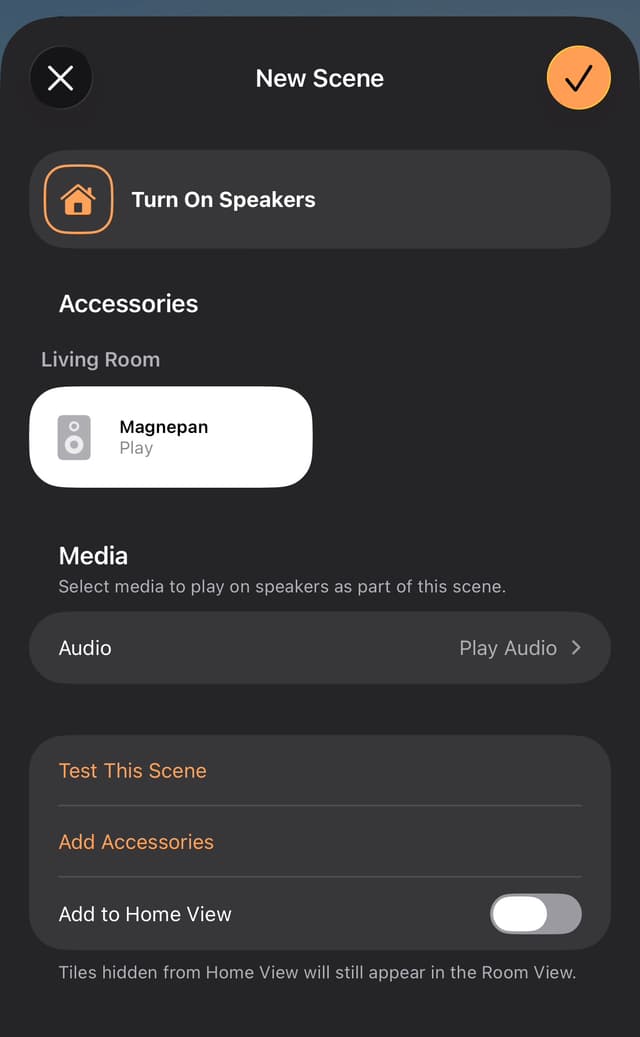
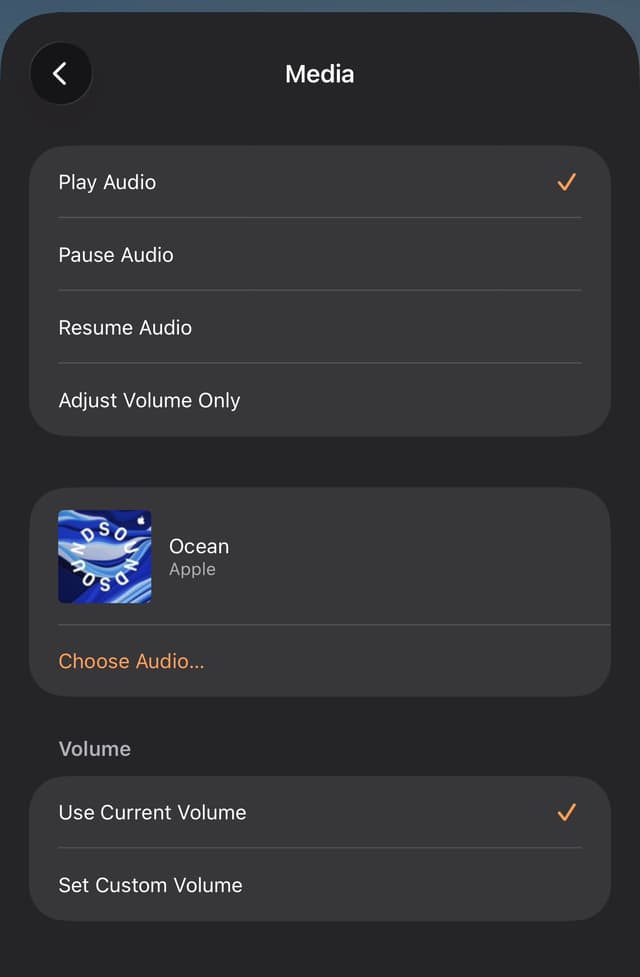
Choose Play Audio and then select a sound. I use Apple Ambient Sounds like Ocean since it will loop indefinitely.
System Control with Switchbot
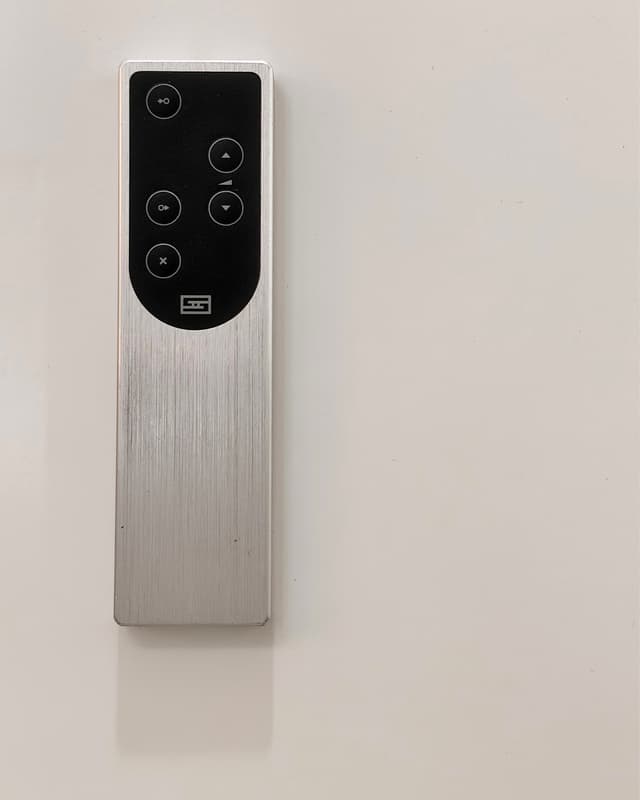
With the Switchbot Hub, you can teach it IR signals from your existing remote to replay on demand. I copied the signals from the Schiit Saga's remote so the hub can control source selection and volume.
Setting up Switchbot
Configure the Switchbot Hub Remote and teach it the IR signals from your preamp's remote control.

Configure Quick Scenes in the Switchbot app. Have a separate scene for both Volume Up and Down that performs an action via the Switchbot remote.
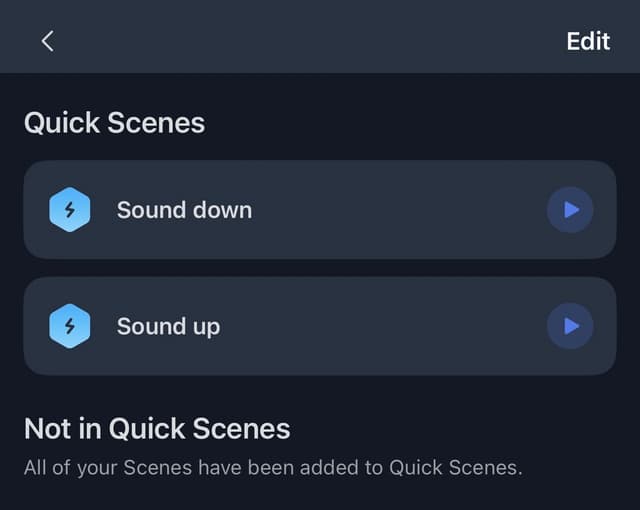
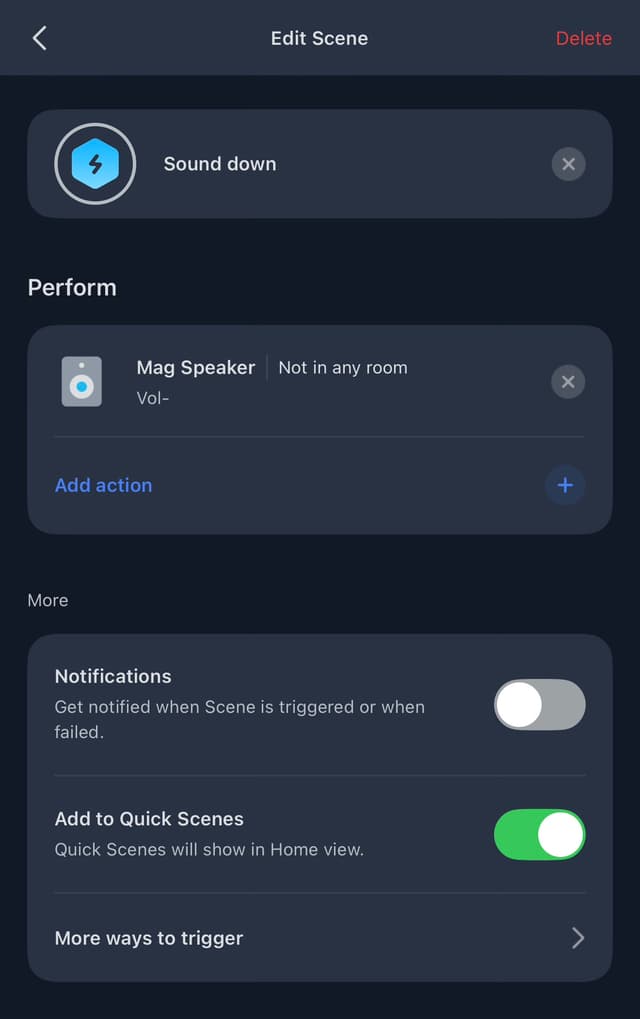
Once you have the quick scene set up, add the quick scene to Siri Shortcuts (click on More ways to trigger and select Siri Shortcuts).

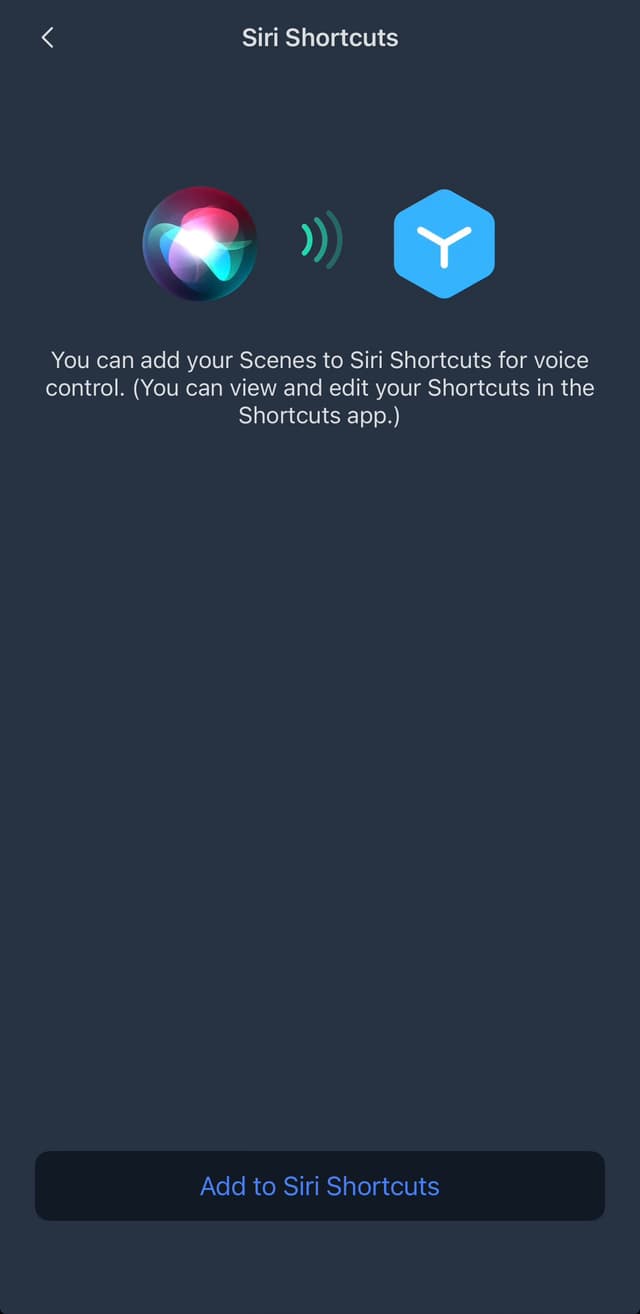
Name your shortcut accordingly.
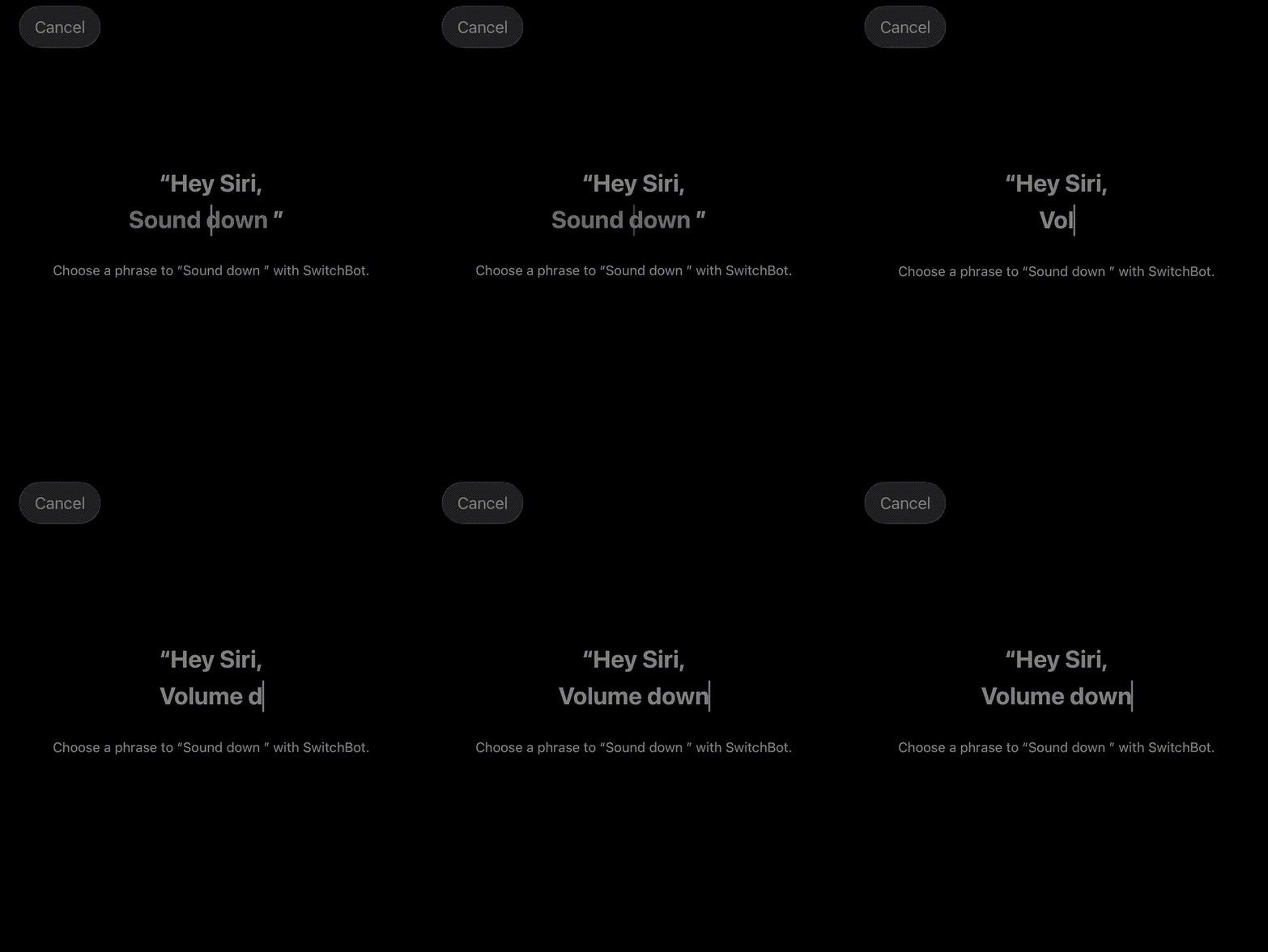
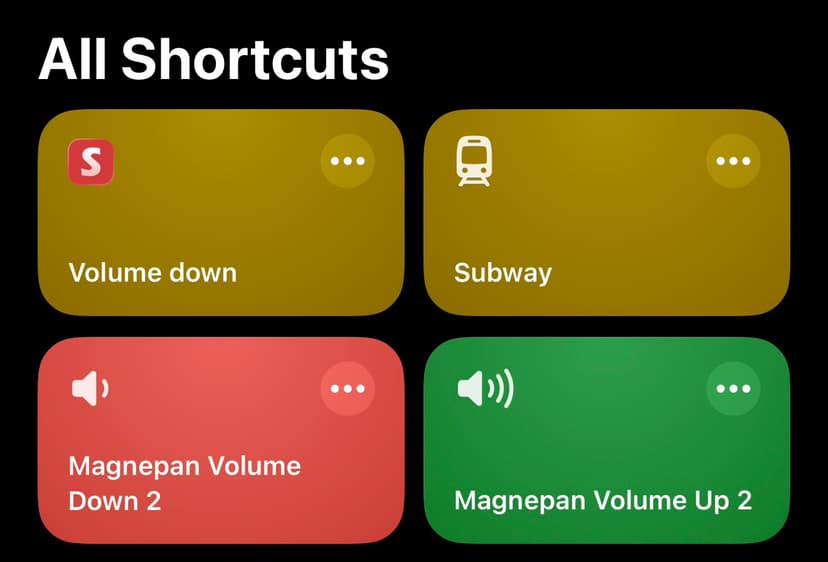
Once you submit it via the Switchbot app, open the iOS Shortcuts app and you'll see a shortcut created under All Shortcuts ('Volume down' in this case).
Analog Overview
Vinyl playback doesn't inherently wake the system up. Even during vinyl playback, the Sonos Port is intentionally kept awake with an ambient looping track:
Analog Path
Digital Overview
Digital playback is straightforward: start music on the Sonos Port via AirPlay or the Sonos app, and the 12V trigger powers on the system automatically. As long as the Saga+ is set to the DAC input, music streams to the speakers.
Digital Streaming Path
With this setup, I can turn on and control the system with iOS Shortcuts. Since the Sonos Port only emits a signal over the 12V DC trigger to the Power Conditioner while audio is playing, the system will automatically shut off after a short delay once audio playback stops. That's it!
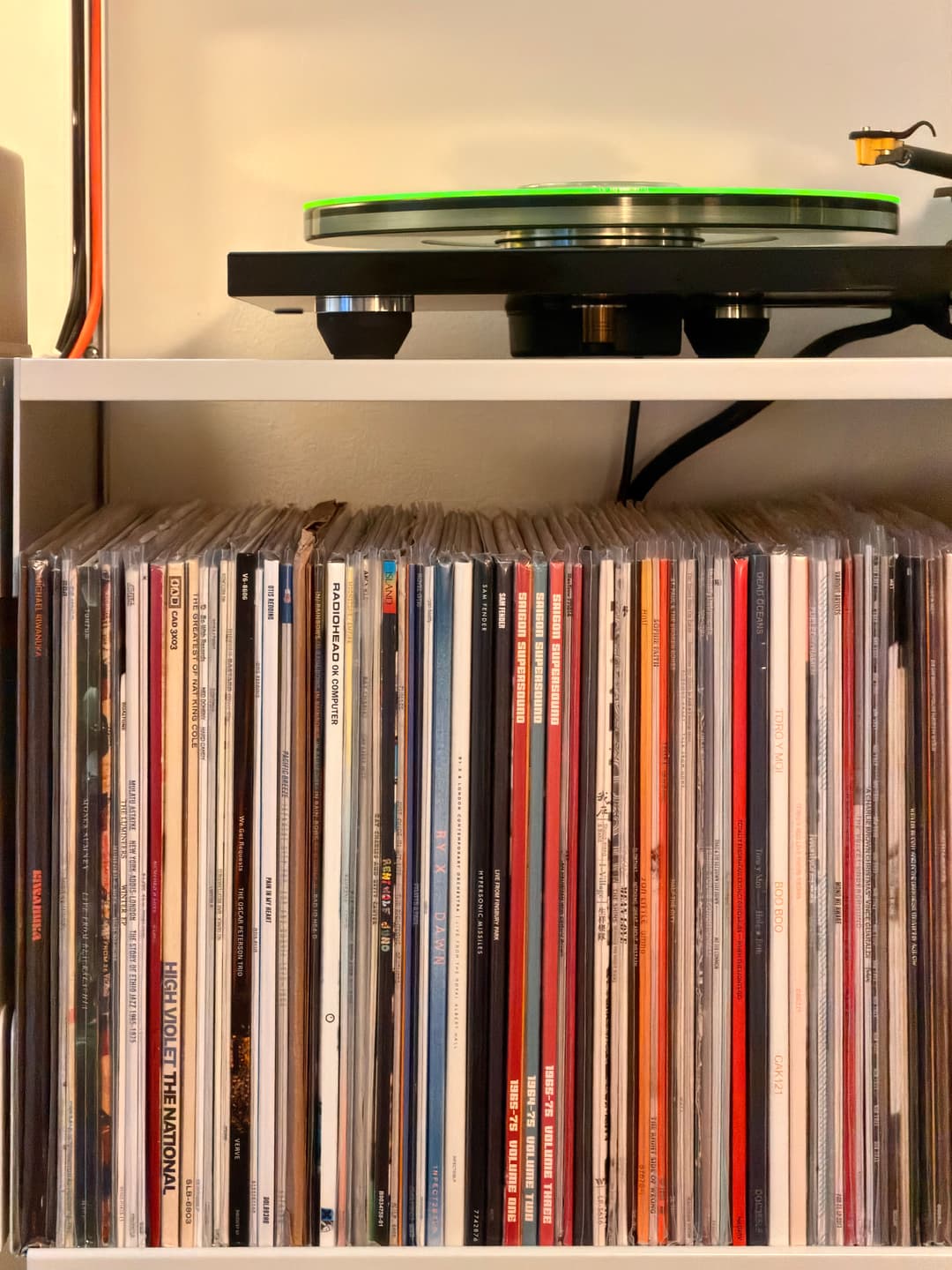
P.S. Check out my record collection on Discogs!